sudo journalctl --vacuum-size=500M
Deletes archived journal files beyond 500 MB. Active logs are untouched.

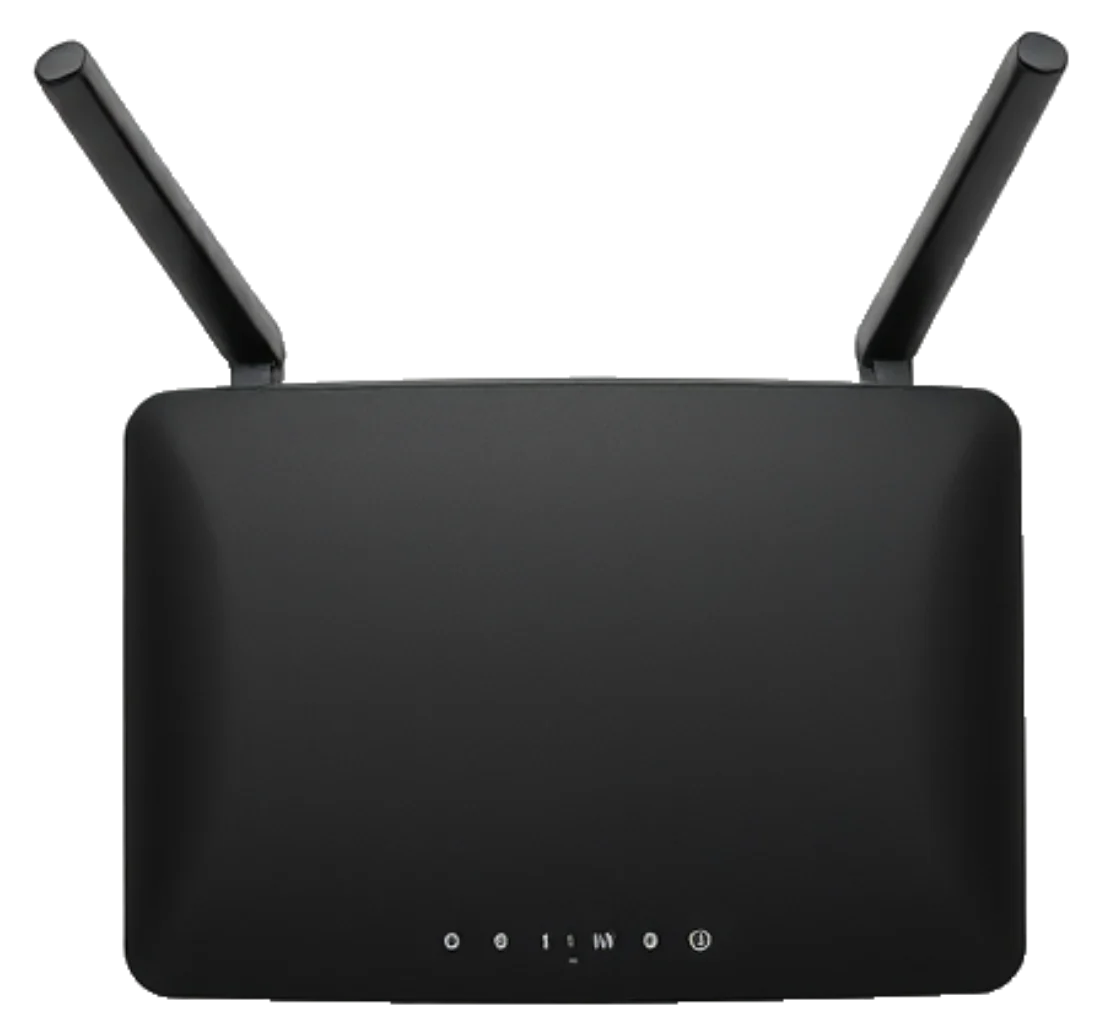
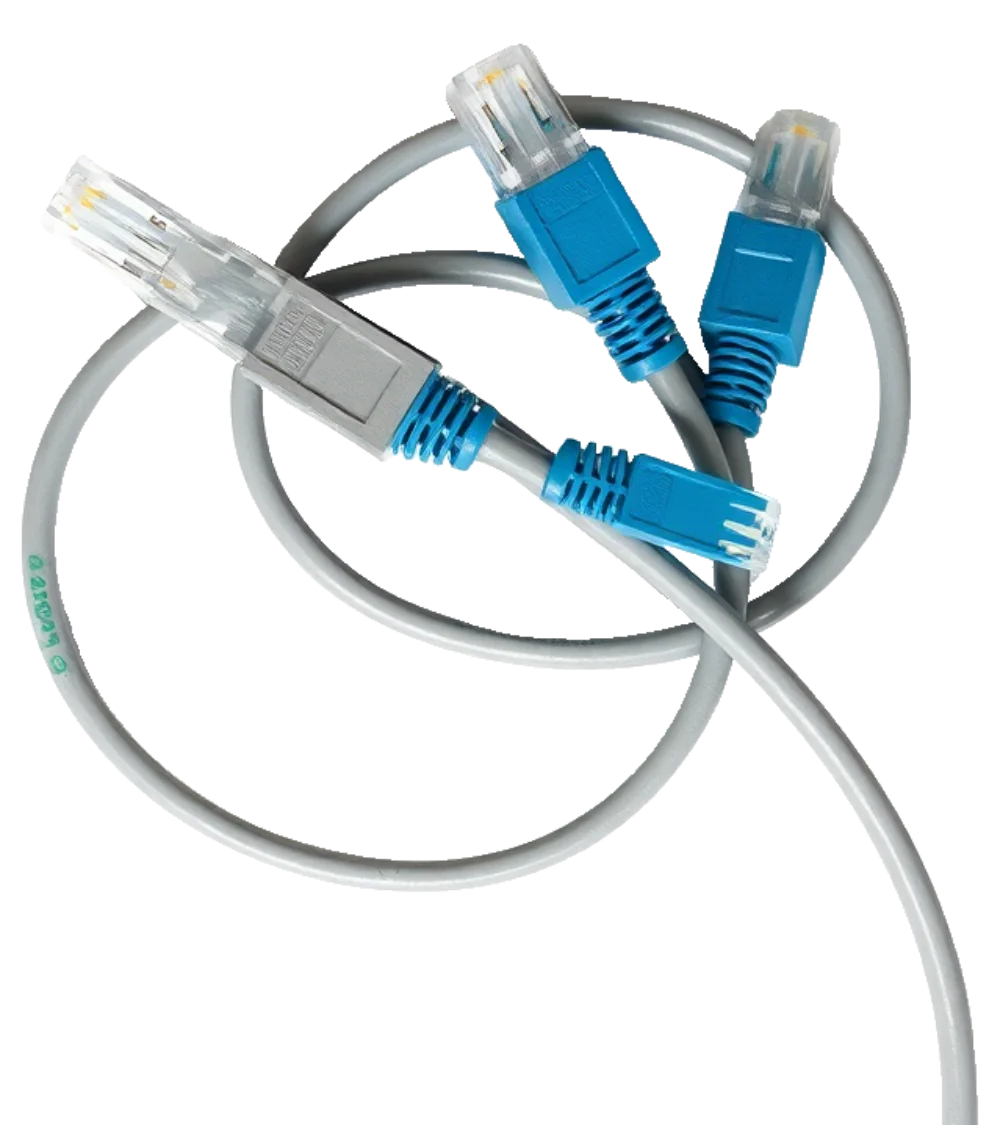
Open a port and hope nobody finds it.
Router settings, dynamic DNS, fail2ban, and a VPN client on every device you own.
Inbound, from anywhere on the internet.
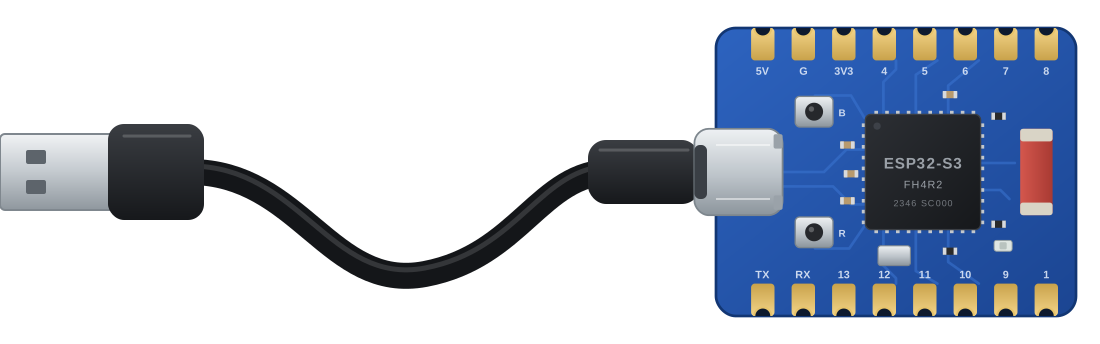
A $5 board on your network, the SSH client in your browser, and nothing to change on your router.
Outbound only. Nothing listens on your network.
Pick one. This side of the page rewrites itself for it.
Home router, Starlink, an office firewall, a phone hotspot, someone else's router. Pick any of them. Nothing on this side of the page changes.
The usual way, behind a home router
0 steps so far
SSH Guru, behind anything
4 steps, total
The same four for every choice on the left. The board only ever dials out, so there is nothing to open.
Most web SSH tools run the SSH client on their own server. You upload your private key, and their machine logs in for you.
The SSH client is compiled to WebAssembly and runs in the page. Your key is encrypted with your passphrase before it is stored. The relay and the board only ever carry scrambled bytes.
It decides, it runs, and you read about it afterwards.
Illustration of the pattern, not a real product's output.
sudo journalctl --vacuum-size=500M
Deletes archived journal files beyond 500 MB. Active logs are untouched.
Tiers come from fixed rules, not from the model. Destructive commands make you type the hostname.
Done for the day?
Done for the day?
Behind a home router
Until you do, it keeps answering anyone who asks.
Bridge online. Dialling out to SSH Guru.
Nothing on your network is reachable now. Plug it back in when you need it.
Free for three servers and 30 Guru messages a day. Pro is $9 a month, Team is $29 a month for five people.